
Descript Review (2025): The Fastest Way to Edit Video, or a New Bottleneck?
30-Second Verdict
Overall rating: ⭐️⭐️⭐️⭐️☆ (4.2/5)
Best for: solopreneurs shipping talking-head videos, course lessons, webinars, podcasts, and repurposed shorts fast
Not ideal for: cinematic edits, heavy motion graphics, long multi-hour timelines, or “I need full Premiere control” workflows
Top wins
- Edit-by-text cuts production time hard when your content is dialogue-driven.
- Studio Sound is a legit “one click” audio upgrade for non-studio rooms.
- Underlord helps you get a usable first draft fast, which kills blank-timeline procrastination.
Big watch-outs
- Can get laggy on large projects and introduces unpredictability.
- Some recording workflows can be fragile (sync warnings, recovery steps).
- Filler word removal can create jump cuts if you overdo it.
✅ Start free in Descript (no card required)
💳 Pricing note: paid plans start around $16/month (check current plan details before buying). (Descript)
The real problem Descript solves (and why you should care)
If you’re a solopreneur, video is no longer optional.
What’s optional is spending hours wrestling timelines and audio cleanup every time you publish.
Descript wins when your “editing” is mostly:
- removing mistakes
- tightening pacing
- cleaning audio
- turning one long recording into many short assets
That’s the DFC game: reclaim your time, ship consistently, and let systems do the draining work.
What makes Descript different: “Edit-by-text”
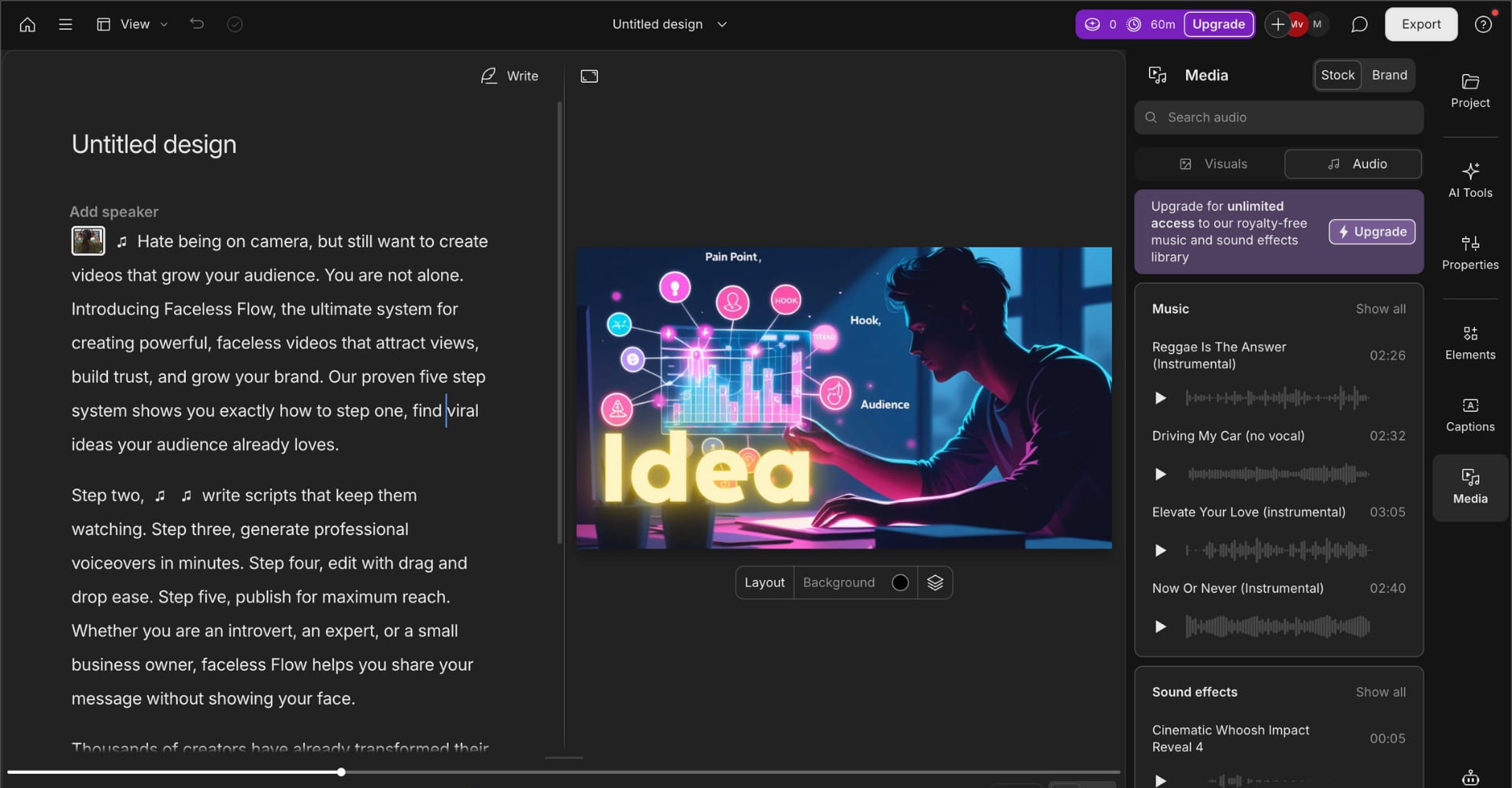
Descript’s core trick is simple: your video becomes a transcript.
Delete words, the video cut happens. Move paragraphs, the scene moves.
Outcome for you: faster first cuts, faster updates, less intimidation.
If your content is speech-driven, this is where Descript prints time.
The features that actually matter
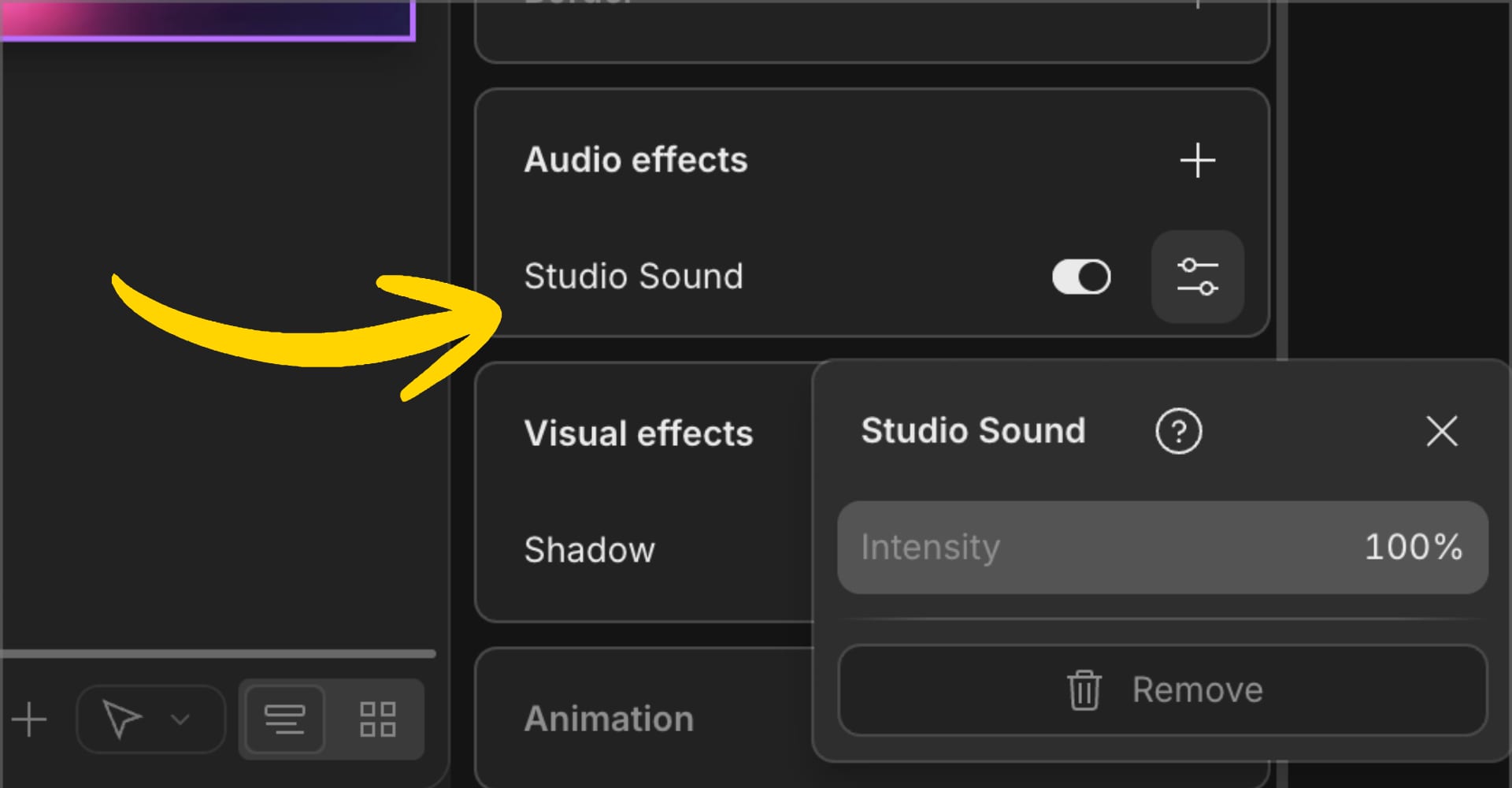
1) Studio Sound (audio that stops sounding “DIY”)
If you record in a normal room, your audio is usually the weakest link.
Studio Sound can remove room echo and noise in one step.
Why it converts: your audience judges quality by audio first. Cleaner audio boosts watch time and trust.
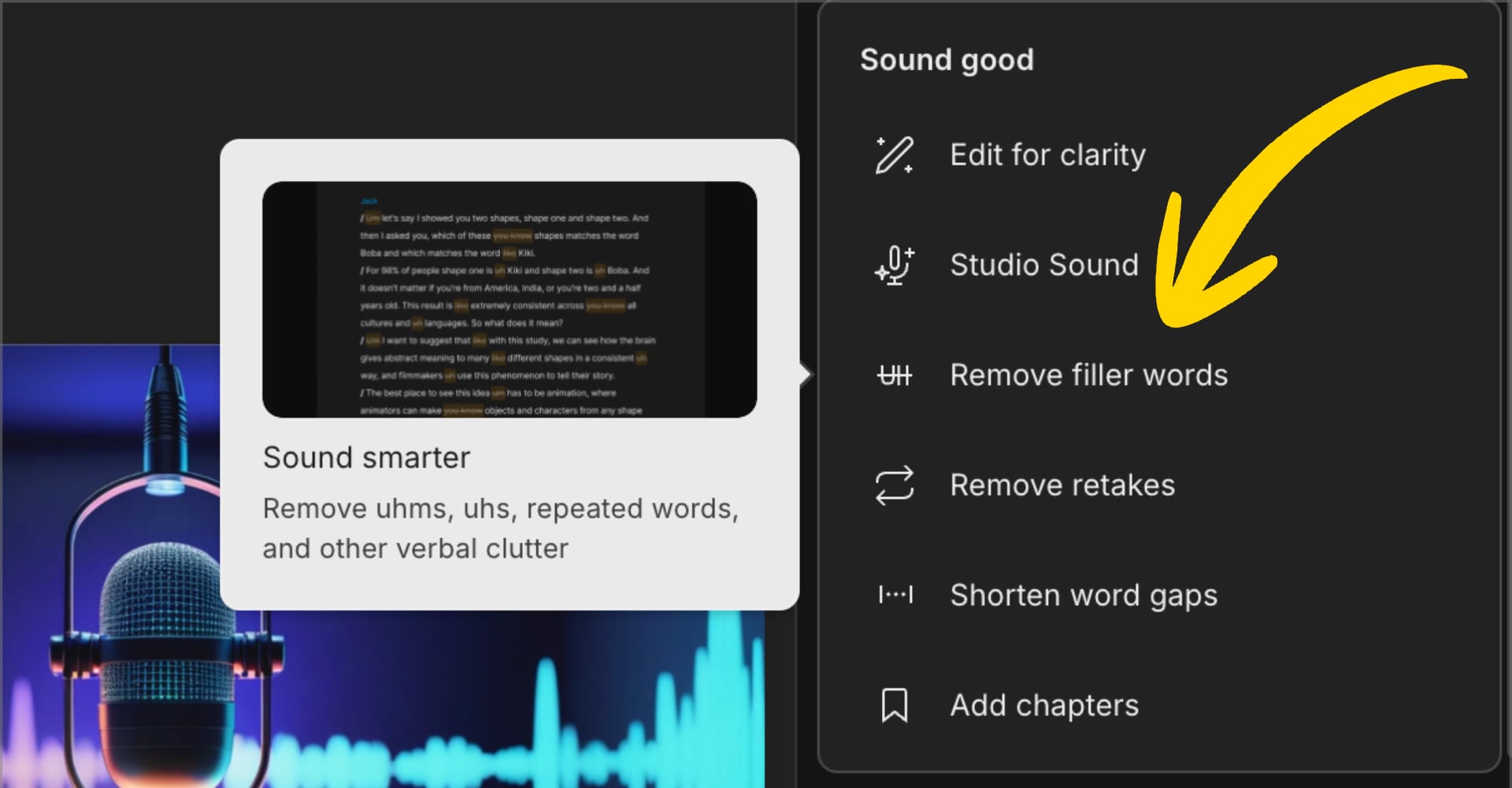
2) Filler word removal (use carefully)
Yes, it can auto-delete ums and uhs.
But deleting creates visible jump cuts, which can make you look robotic if abused.
Cleaner alternative workflow: do a light pass in Descript, or record with tools that smooth speech more naturally (Riverside positions “remove filler words” as a one-click cleanup feature).
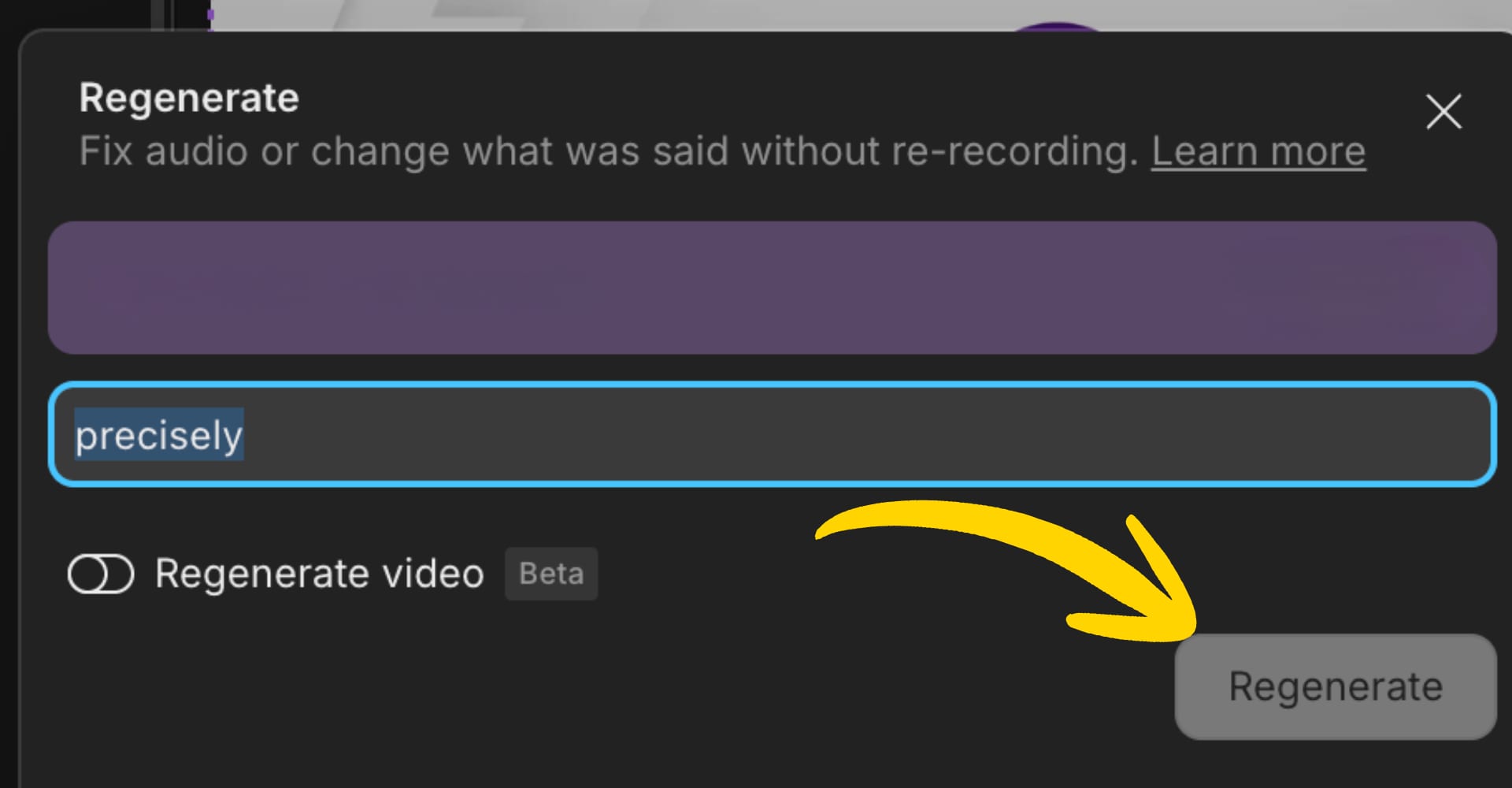
3) Regenerate (voice fixes without re-recording)
Regenerate (Overdub) is best for tiny corrections: a word, a phrase, a quick patch.
Longer rewrites can sound off.
Rule: patch, don’t replace your whole script.
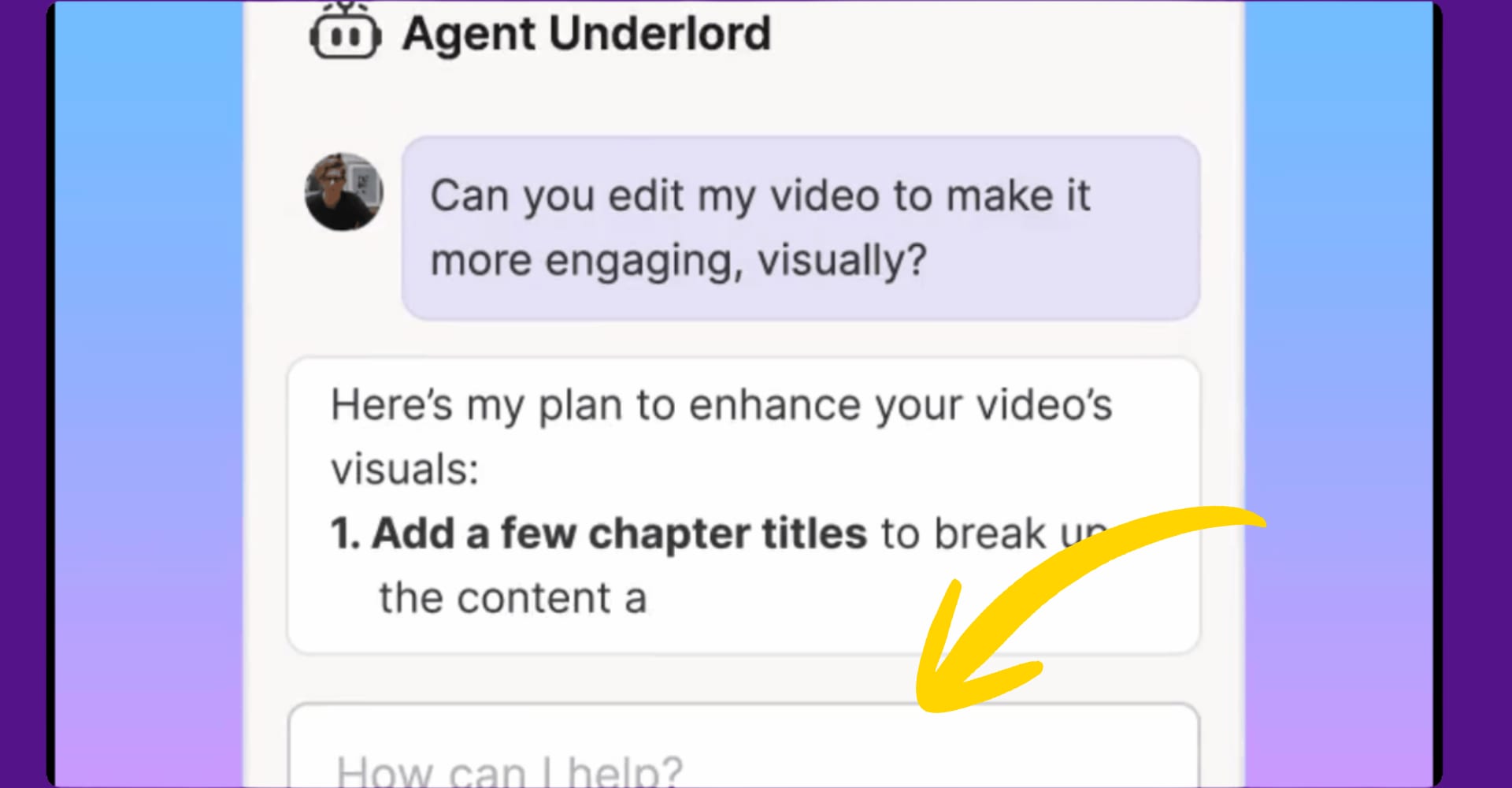
4) Underlord (the “blank timeline killer”)
Underlord is valuable because it produces a functional first draft you can refine.
It may not nail branding or layouts without manual tweaking.
Outcome: you stop stalling and start editing something real.
Pros and cons
| Pros ✅ | Cons ❌ |
|---|---|
| Edit-by-text is insanely fast for dialogue-led content. | Not a replacement for pro VFX, color, motion graphics. |
| Studio Sound can upgrade budget audio quickly. | Can lag on long, heavy projects. |
| Repurposing into shorts is frictionless. | Recording and sync issues do happen, and recovery steps exist for a reason. |
| Underlord helps create a first draft fast. | Some features feel hidden or “command-like” (workflow learning tax). |
Descript vs alternatives
| Pick this if… | Descript | Riverside | Premiere Pro |
|---|---|---|---|
| You want edit-by-text and fast cuts | ✅ Best | ❌ | ❌ |
| You care most about recording quality + cleanup | ✅ | ✅ Strong | ❌ |
| You need advanced effects, color, motion | ⚠️ | ❌ | ✅ Best |
| You want AI-first “first draft” help | ✅ | ⚠️ | ❌ |
Editor’s Choice (solopreneur workflow): Record clean, then edit fast.
Many creators do best with a hybrid: record in a dedicated recorder, edit in Descript, finish in a pro tool only if needed.
Who Descript is for (and who should skip)
You should use Descript if you:
- publish talking-head videos, interviews, webinars, courses, podcasts
- want speed and simplicity over granular control
- need repurposing into Shorts/Reels/TikTok without pain
You should skip (or use it only for rough cuts) if you:
- do heavy motion graphics, color grading, or cinematic editing
- regularly edit multi-hour projects and need rock-solid performance
Pricing
Descript offers a free plan and states no credit card required to start.
Paid plans start around $16/month (pricing can change, always verify on the plan page).
✅ Primary CTA: Start free, run one real project, decide after.
The DFC “Reclaim Your Time” workflow (copy/paste this into your SOP)
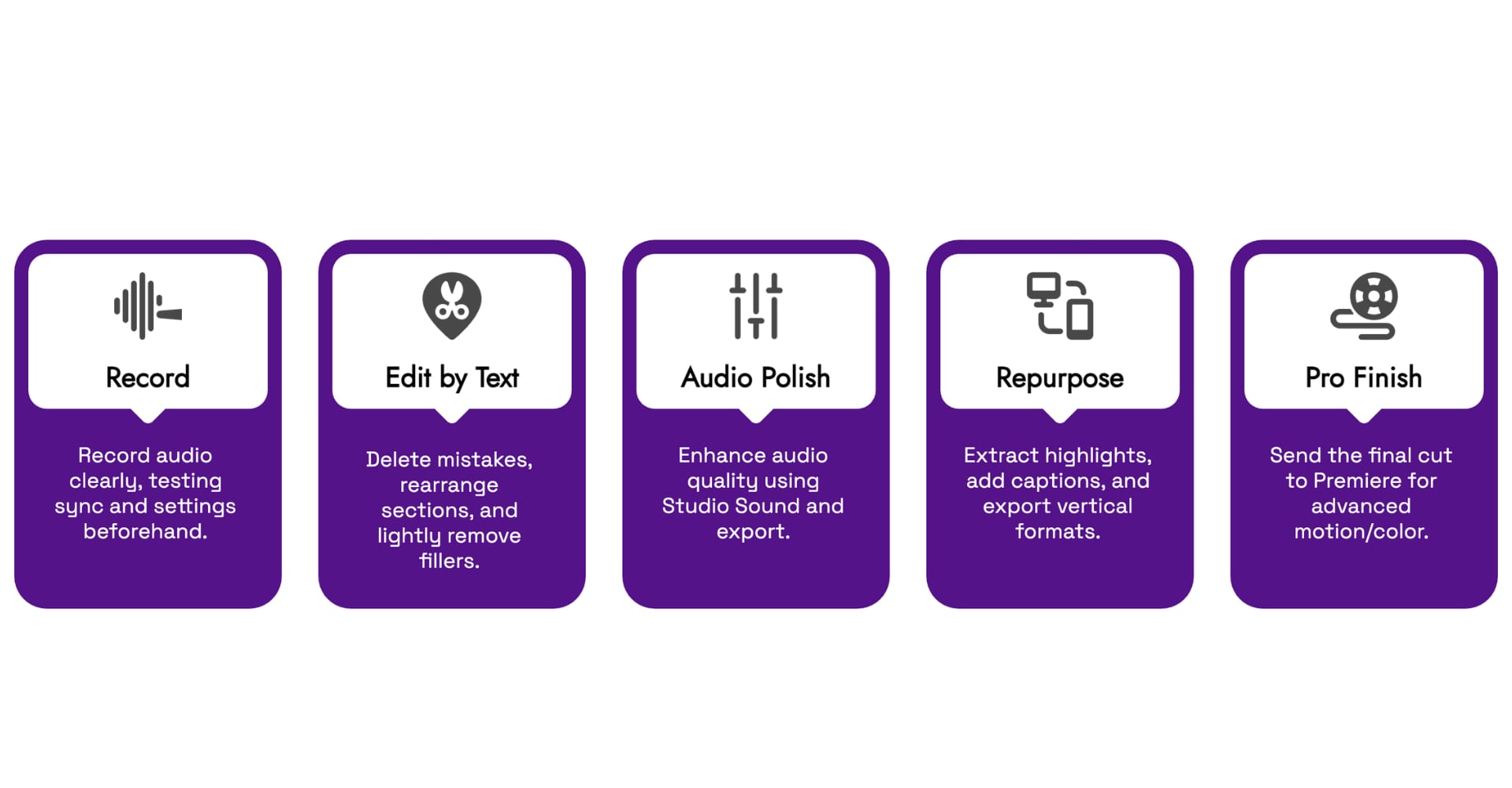
Best use of Descript: make it your 80% tool.
-
Record (keep it clean)
- If you do remote interviews, test sync and settings first.
- If you record inside Descript, watch for performance warnings.
-
Edit by text
- Delete mistakes.
- Rearrange sections.
- Do a light filler pass only (avoid “robot jump cuts”).
-
Audio polish
- Run Studio Sound.
- Export once you’re happy.
-
Repurpose
- Pull 10 highlight moments.
- Add captions.
- Export vertical formats.
-
Optional pro finish
- Only if you need advanced motion/color: send final cut to Premiere.
FAQs
Is Descript good for beginners?
Yes. If you can edit a Google Doc, you can edit a transcript.
Will it replace Premiere Pro?
No. Use it for fast cuts and cleanup, then graduate to pro tools only when needed.
What if I lose a recording?
Descript documents recovery steps for recordings, which is helpful, but also a signal to treat recording workflows carefully.
Can I try it without paying?
Yes. Descript advertises a free plan and “no credit card required” to start.
Final verdict
Descript is a production velocity tool.
It’s at its best when your business needs consistent output, not cinematic perfection.
If your workflow bottleneck is “editing takes forever,” Descript is a smart move.
Start free, ship one piece of content end-to-end, and let the results decide.
Sources
- Studio Sound: Remove Background Noise & Echo
- Underlord: AI Video Editor for Effortless Video Creation
- Troubleshooting issues with Descript’s recorders
- Descript: Edit Videos & Podcasts Like a Doc
- Descript Pricing & Plans
- Riverside: Remove Silence & Filler Words
- Descript Overdub (2025)
- Recover a lost Descript recording

About the Author
Marius is the founder of Digital Flow Craft, helping solopreneurs, digital marketers and small business owners leverage AI and automation to scale efficiently.